
The scariest question about ecommerce migrations is simple.
What happens to orders while you are switching platforms?
The honest answer is: it depends how you do it.
Done properly, nothing happens. Your store keeps taking orders throughout. Customers do not notice. Your team processes orders normally.
Done badly, you lose orders. Customers cannot check out. You are offline for hours or days while you panic and try to fix things.
Here is how to migrate without losing sales.
The Wrong Way (But Common)
The cheap way to migrate is to shut everything down, copy everything across, and hope it works.
Friday evening: put up a maintenance page. Saturday and Sunday: migrate data and set up the new platform. Monday morning: switch DNS and go live.
This is risky for obvious reasons.
If something does not work on the new platform, you are offline until you fix it. If the checkout breaks, you cannot take orders. If payment processing fails, you lose sales.
Worse, you do not know if things work until real customers try to buy. By then you are live and it is too late to test properly.
Some businesses can afford a weekend of downtime. But most cannot.
The Right Way (Parallel Running)
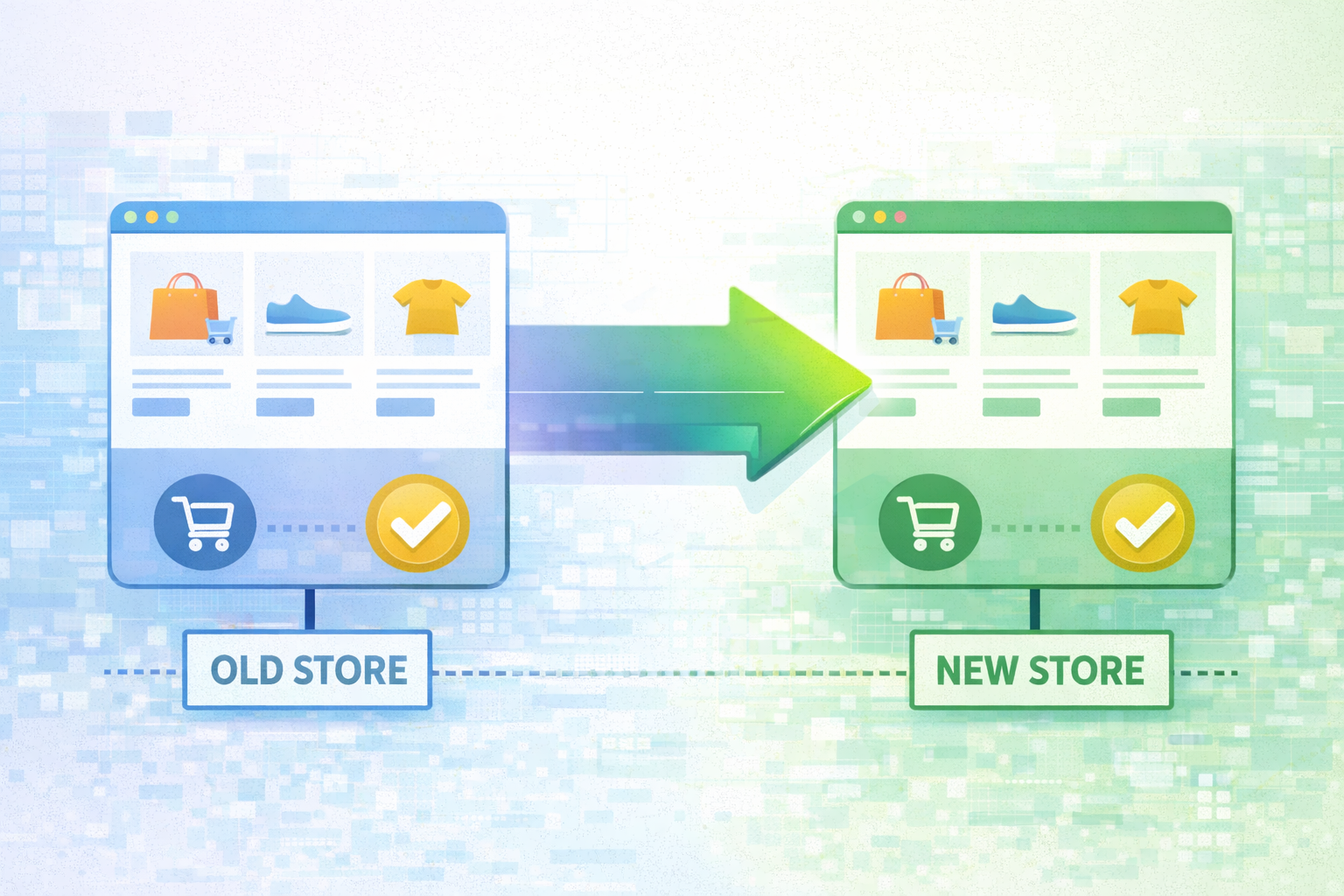
A proper migration keeps your old store running while you build and test the new one.
Your old platform stays live. Customers keep buying. Your team keeps processing orders. Everything continues normally.
Meanwhile, you build the new platform in parallel. You migrate data. You test the checkout. You configure integrations. You train your team.
Only when everything is confirmed working do you switch.
This approach costs more (because you are paying for both platforms temporarily) but it is vastly safer.
How Parallel Running Actually Works
Here is what happens during a parallel run migration:
Phase 1: Build
Set up the new platform. Configure theme and settings. Migrate product data. Set up payment gateways and integrations. Do all of this while the old site stays live.
The new platform is not publicly accessible yet. It is behind a password or on a staging domain. Only your team can see it.
Phase 2: Test
Test everything. Place test orders through the full checkout flow. Test all payment methods. Test discount codes. Test shipping calculations. Test email confirmations.
Test on different devices and browsers. Test edge cases (what happens if someone uses a gift card and a discount code together?).
Fix anything that breaks.
Phase 3: Data Sync
As you get closer to launch, sync recent data from the old platform to the new one. New products added. New customer accounts created. Recent orders (for customer service history).
This keeps the two platforms reasonably in sync.
Phase 4: Cutover
Choose a quiet time (typically Sunday night or early Monday morning). Switch DNS to point to the new platform.
Monitor closely for the first few hours. Check that orders are coming through. Test the checkout yourself. Watch for error emails or failed payments.
Keep the old platform accessible (on a temporary domain) for a few days in case you need to look up order history or revert.
Phase 5: Monitor
Watch the first week closely. Make sure orders process correctly. Check stock updates. Verify emails are sending. Monitor for any unusual errors.
This is when edge cases appear. Customers with unusual addresses. Products with complex configurations. Payment methods you did not test thoroughly.
Fix problems immediately.
What About Order History?
Historical orders are useful for customer service. When a customer contacts you about an order from six months ago, you need to look it up.
You have three options:
Option 1: Migrate Everything
Import all historical orders into the new platform. This gives you complete order history in one place.
This is clean but time-consuming. Old order data needs mapping to the new platform's structure. Depending on how far back you go, this can be thousands or tens of thousands of orders.
Option 2: Migrate Recent Orders Only
Import the last 12 to 24 months of orders. Keep the old platform accessible (read-only) for anything older.
This is a good compromise. You have recent history easily accessible. Older orders are still available if needed but do not slow down the migration.
Option 3: Keep Old Platform Read-Only
Do not migrate order history at all. Keep the old platform accessible in read-only mode for lookups.
This is fastest but means your team needs to check two systems for customer service queries.
There is no right answer. It depends on your priorities and how much historical data you need.
Can You Keep Taking Orders During Data Migration?
Yes, but you need to handle it carefully.
The trick is to migrate data in stages:
Stage 1: Migrate products, categories, and CMS content while the old site stays live.
Stage 2: Shortly before launch, migrate customer accounts. Customers can reset passwords if needed.
Stage 3: On launch day, do a final sync of any new products or customers added in the last few days.
Stage 4: Switch DNS and go live.
Stage 5: After launch, optionally migrate historical order data for reference.
This way, the old site keeps taking orders right up until you switch. You only have a few hours of gap between final data sync and going live.
What If Something Goes Wrong?
Even with careful planning, things can go wrong.
Have a rollback plan. Keep the old platform ready to reactivate if the new platform has critical problems.
If you switch on Sunday night and discover Monday morning that checkout is broken, you can switch DNS back to the old platform while you fix things.
This is why you do not decommission the old platform immediately. Keep it running for at least a week after launch.
The Cost of Downtime
How much does downtime actually cost?
If your store does £10,000 per day, one day of downtime is £10,000 lost. A weekend is £20,000 to £30,000.
Suddenly paying extra for parallel running does not seem expensive.
Even a few hours of downtime during peak time can cost thousands. And once customers find your site unavailable, some will not come back.
The cost of doing it properly is always less than the cost of downtime.
What To Do Next
Do not assume your migration will include parallel running. Ask explicitly.
If an agency quotes you a price and says the migration will take two weeks, ask what happens to orders during those two weeks.
If they say "we will do it over a weekend", be very suspicious. That is how migrations go wrong.
A proper migration keeps your store live throughout. You only switch when everything is confirmed working.
Need help with your migration? Our Platform Migration Service includes full parallel running so you never lose sales. Book a discovery call and we will show you exactly how we keep your store trading.